
Every deal
on one row,
from buyer
to payment.



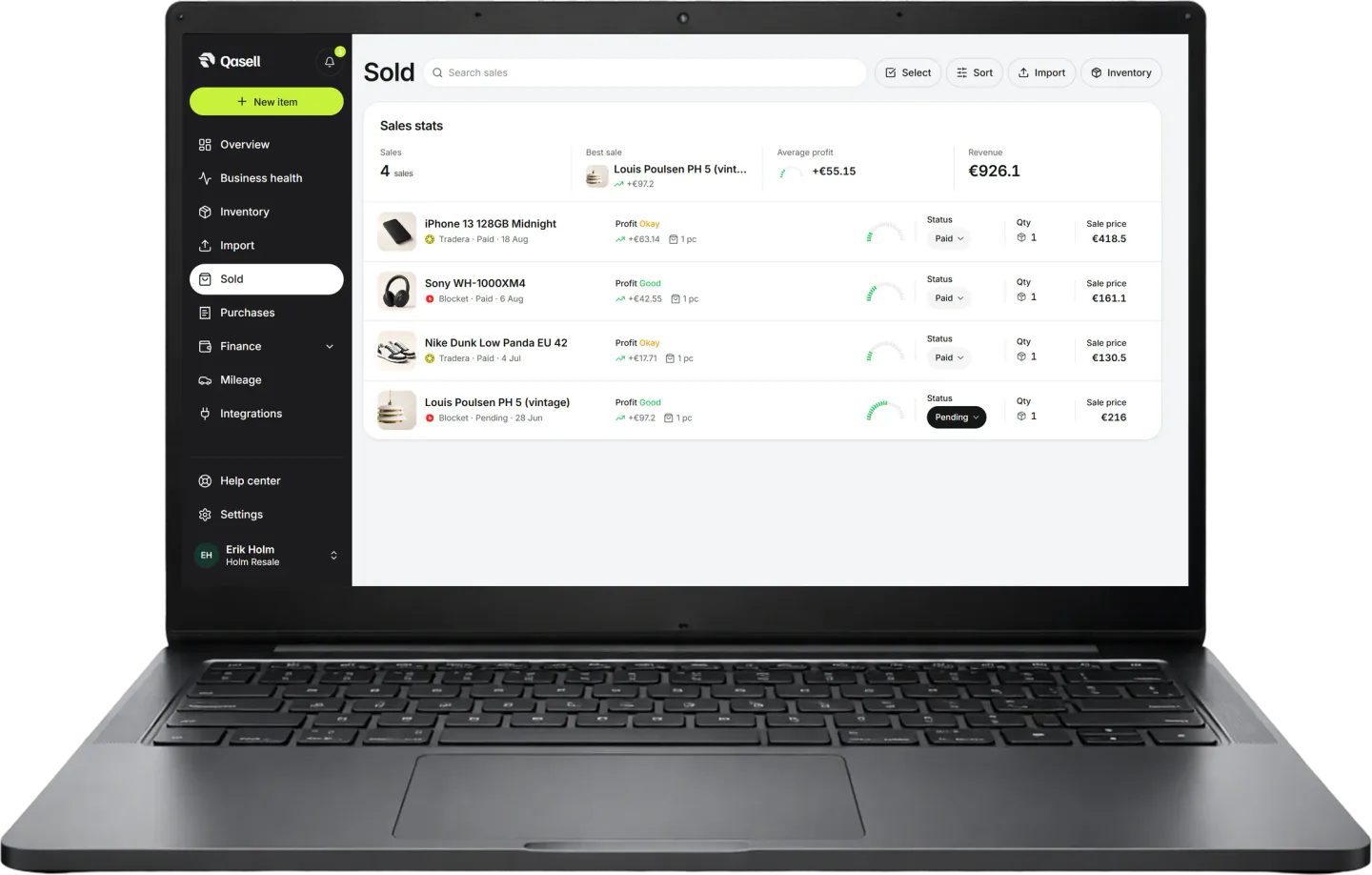
When the deal closes it lands in Sold: buyer, platform, payment status and profit after fees. One list, not three apps.
Leave spreadsheets todayHow Sold
works

Mark an item as sold and the deal lands here, with the buyer, the platform and the price.
Unpaid deals stay visible until the money arrives. You see which buyers you are waiting on, instead of digging through messages on three different marketplaces.
Fees and shipping come off straight away, so the number on the row is what you actually made on the deal.
Features
When the deal closesSold, paid, done. In your pocket
When the deal closes it lands in Sold: buyer, platform, payment status and profit. One list, not three apps.
Sign up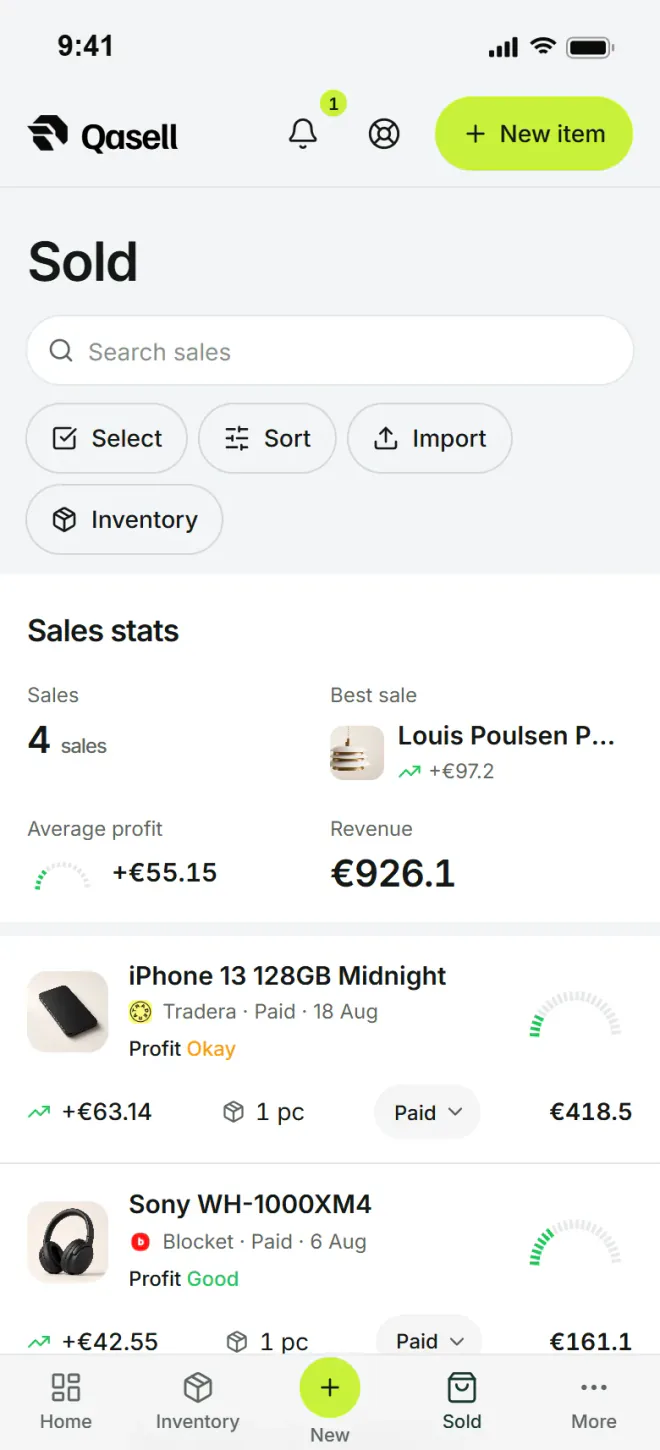

One list for the closed deals

Buyer
Platform
Payment

Profit
Buyer, platform and profit on the same row
“Buyer”“Platform”
“Paid”“Profit”
Questions about sales
Buyers, payments and the profit on every deal.
Sold is a list of every deal: what sold, to whom, on which platform, for how much, whether it is paid and the profit after fees and shipping. At the top you see the number of sales, revenue, average profit and the best deal for the period.
Open the item and tap Sell. Fill in the price, platform, buyer, shipping and fee. If you sell on eBay or Tradera with Pro, the sale comes in by itself with the fees filled in.
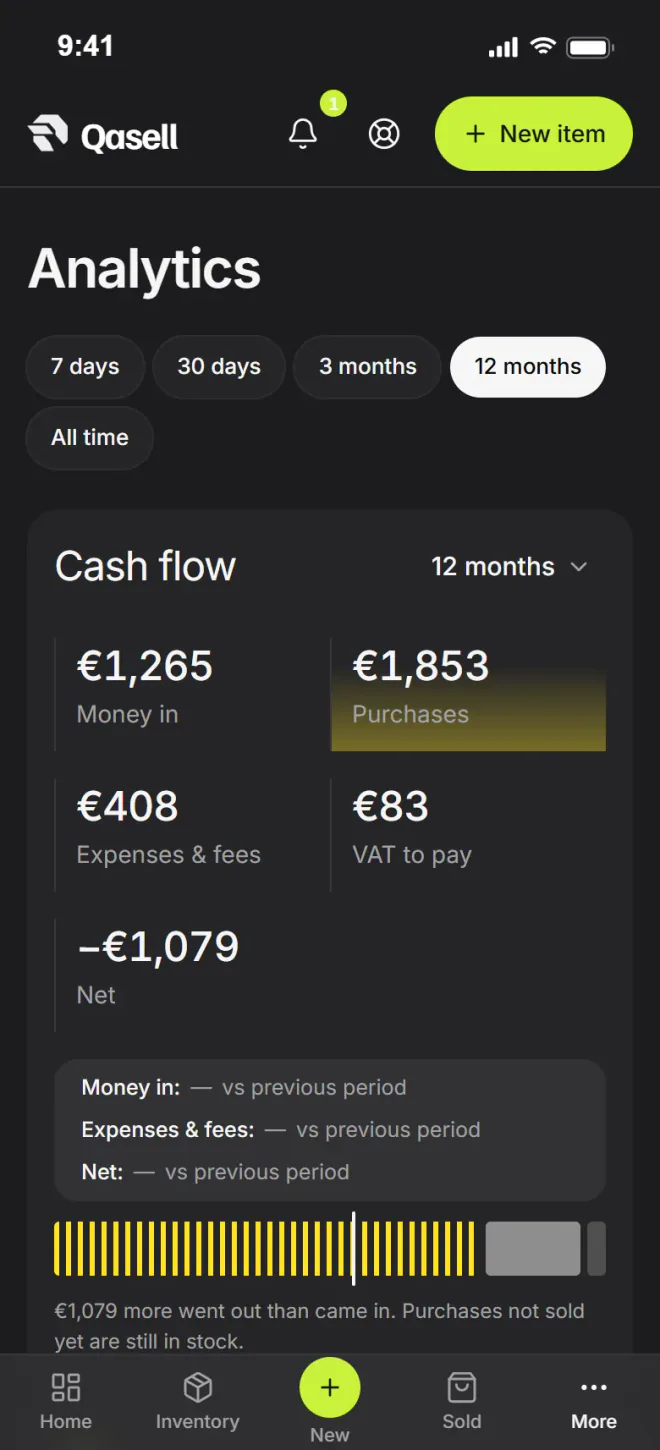
A sale can be pending, paid, partly paid, refunded or cancelled. Unpaid sales are not counted as cash, so you can tell what you have sold from what you have actually received.
Yes. You enter the shipping the buyer pays, the shipping you pay and the platform fee. The profit on the row is what is left after them and after VAT.
Yes. An item with a quantity can be sold in several deals, each with its own price, buyer and profit.
Yes, Sold is included in every plan. Bringing in sales from eBay and Tradera automatically needs Pro or Business.