Tradera
Sales, fees and purchases from Tradera, straight into Qasell.

How it works
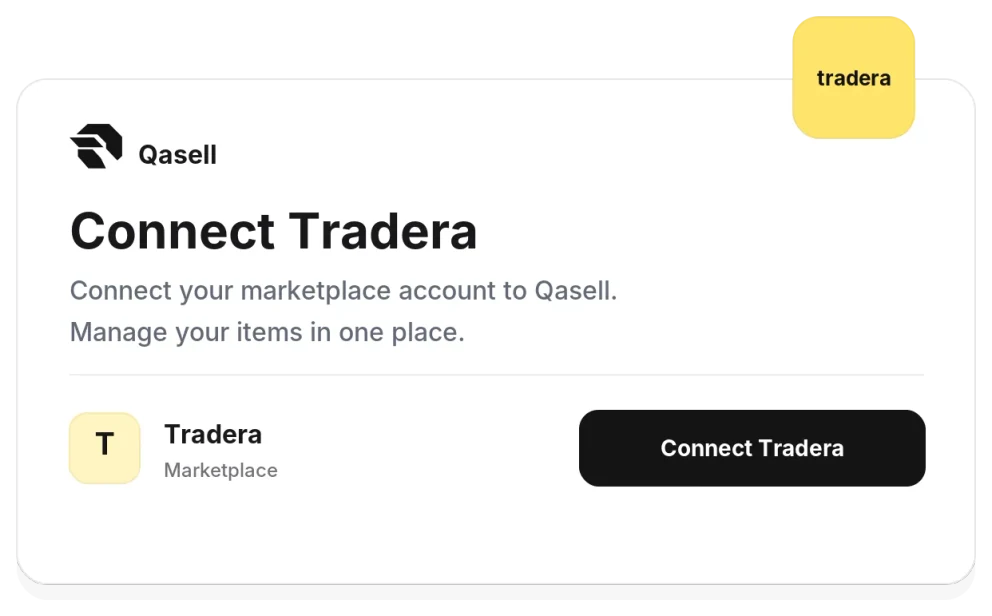
Connect your Tradera account
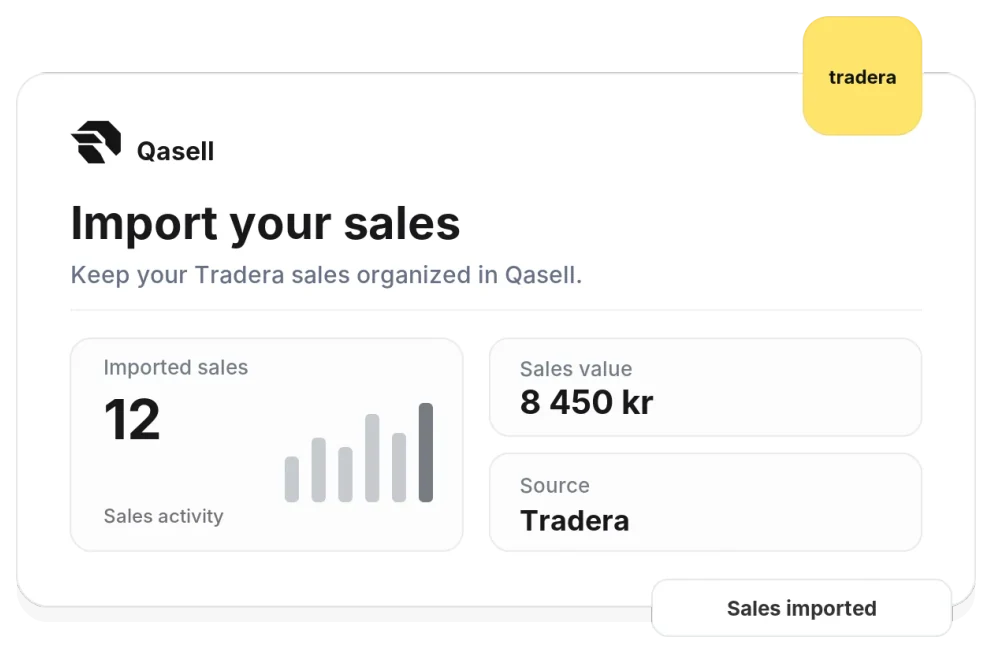
Your sales come in by themselves
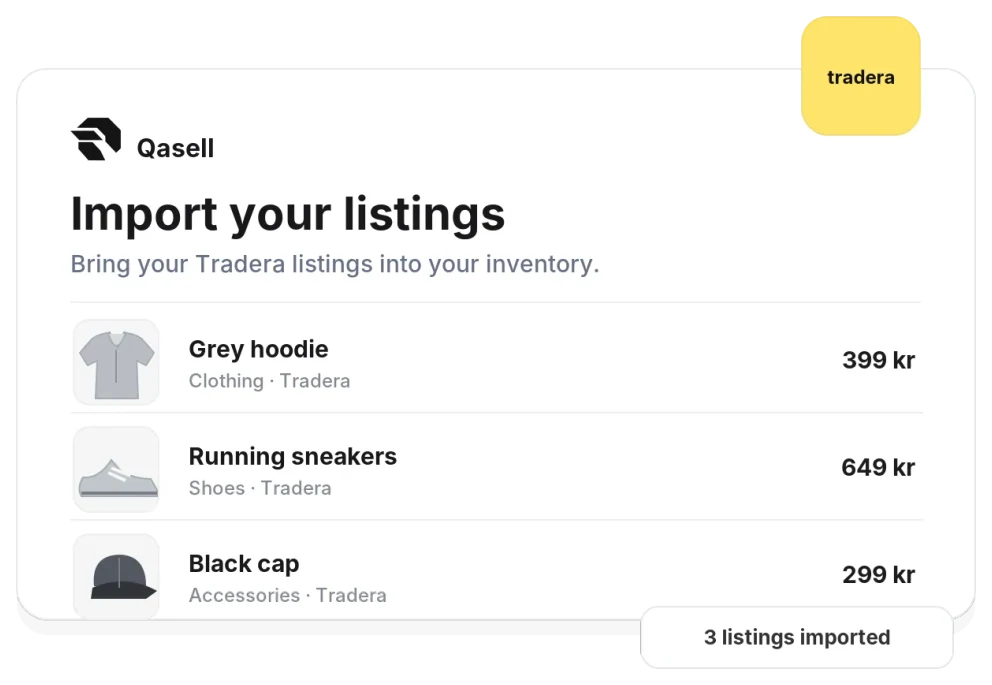
Your listings land in stock
Overview
When you connect Tradera, Qasell fetches your listings, sales and purchases for you. Every sale comes in with price, shipping, the buyer's alias and payment status, and Tradera's commission is worked out right away, so you see what each deal really made.
It suits you who sell a lot on Tradera. Nothing is typed in twice, every order is imported once, and payments you confirmed yourself, such as Swish or cash, are marked as paid.
What comes in
- Your listings, both active and ended, with price and picture
- Sales with price, shipping, buyer alias and payment status
- Payment fees per order
- Tradera's commission, worked out for each sale
- The things you buy on Tradera, ready to sort into stock
Questions about Tradera
Tradera does not share the commission through its API, so Qasell works it out as 10% of the price, at most 200 kr. You can change the amount on any sale.
About the last 60 days. Tradera only shares that much history, so older sales and listings you add yourself in Qasell.
Every other hour while Qasell is open, since Tradera limits how often connected services may ask. Press Sync now to fetch a sale straight away.
If you marked the payment as received on Tradera, the sale is marked as paid in Qasell as well.
Yes. Your purchases land in one list where you choose whether each one goes to stock, is already sold, is for your own business or is private.
Tradera is always in Swedish kronor. If you use another currency in Qasell, the amounts are converted.